
Is an Ultrawide Monitor Worth It for Gaming?
An ultrawide gives you a wider field of view and a real graphics card cost. Whether that trade is worth it depends on what you play.

Super Admin
· 5 min read · 72 views
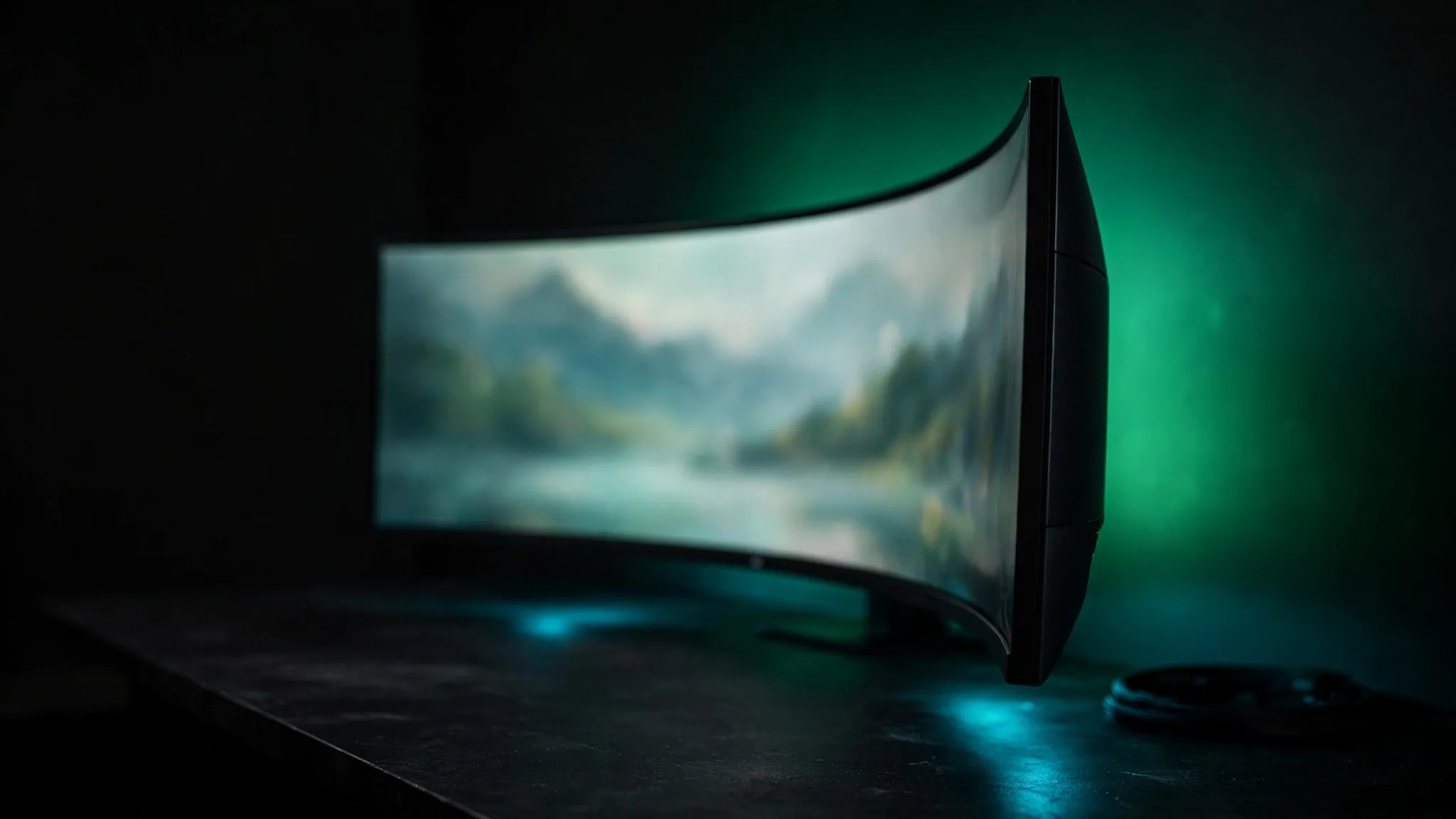
Ultrawides look spectacular in shops and in screenshots. They are also a genuine compromise, and the compromise is not always explained before you buy.
Here is what the extra width costs, which games actually support it, and when a normal 16:9 panel is the better purchase.
What "ultrawide" means
Standard monitors are 16:9. Ultrawides are usually 21:9, and super ultrawides 32:9 — effectively two 16:9 screens side by side.
The common resolutions:
| Resolution | Ratio | Total pixels | vs 1440p |
|---|---|---|---|
| 2560×1440 | 16:9 | 3.7 million | baseline |
| 3440×1440 | 21:9 | 5.0 million | +34% |
| 3840×1600 | 21:9 | 6.1 million | +67% |
| 5120×1440 | 32:9 | 7.4 million | +100% |
| 3840×2160 | 16:9 | 8.3 million | +125% |
The figures matter because your graphics card has to draw every one of those pixels. You can check any combination in the aspect ratio calculator.
The performance cost
3440×1440 is about 34% more pixels than 2560×1440. As a rough guide, expect frame rates somewhere in the region of 20 to 30 percent lower than the same card at 1440p — scaling is rarely exactly linear, and it varies by engine.
The practical consequence: an ultrawide moves you up a tier in graphics card for the same frame rate. If you were comfortable at 1440p, a 21:9 panel will put you back where you were before. Worth modelling with the FPS calculator before committing, and the resolution calculator shows the pixel counts side by side.
Where it genuinely shines
- Racing and flight sims. The extra width is peripheral vision, which is exactly what these need. This is the strongest case for ultrawide by some distance.
- Single-player and open worlds. Wider vistas, and the format suits cinematic games well.
- Strategy games. More of the map without scrolling.
- Working. Two documents genuinely side by side, without a bezel down the middle. For many people this justifies the purchase on its own.
Where it does not
- Competitive shooters. Some anti-cheat systems and some competitive titles restrict field of view, so the sides are cropped or letterboxed. You paid for width you cannot use.
- Older games. Many pre-2015 titles have no 21:9 support. You get black bars, or a stretched image, or a user-made patch of variable quality.
- Console play. Consoles output 16:9. An ultrawide will letterbox it.
- Video. Most streaming content is 16:9, so you get pillarboxing. Film content at 2.39:1 is the exception, and looks superb.
Check before you buy
Before spending, check the specific games you play most. Support is usually well documented by the community, and it is much better to find out beforehand than to discover your main game letterboxes.
Curve, size and distance
Most ultrawides are curved, and at this width that is genuinely useful rather than a gimmick — it keeps the edges of a very wide panel roughly equidistant from your eyes.
Curve is quoted as a radius: 1800R means a circle of 1800 mm radius. Lower numbers are more curved. For a 34-inch panel, 1800R or 1500R is common and comfortable.
Ultrawides also need more desk depth than their diagonal suggests, because the edges are further from your centre line. A 34-inch 21:9 wants roughly a metre — more than many desks allow. Run your numbers through the viewing distance calculator, and our monitor distance guide covers what to do about a shallow desk.
Ultrawide or two monitors?
Two screens give you more total area, usually for less money, and each can be positioned independently. The ultrawide's advantage is a single continuous surface with no bezel through the middle — which matters enormously for gaming and hardly at all for having a browser open next to a document.
A reasonable rule: if the main use is gaming or sim work, ultrawide. If it is productivity with gaming secondary, two monitors will probably serve you better for less.
Do not forget the cable
3440×1440 at a high refresh rate needs real bandwidth. An older HDMI cable or port can quietly limit you to a lower refresh rate, and it is a common reason people find their new monitor is not running at its advertised speed. Check what your connection supports with the refresh rate calculator.
32:9 is a different proposition
Super ultrawides at 5120×1440 are effectively two 27-inch 1440p monitors joined together. That is twice the pixels of a single 1440p panel, and the graphics card requirement rises accordingly.
Game support is also thinner than at 21:9. Titles that handle 21:9 properly sometimes still stretch or crop at 32:9, and menus and subtitles are more likely to end up in odd places.
For sim racing and flight they are superb. For a general gaming monitor, 21:9 is the safer choice and 32:9 is a specialist purchase.
What to check before you buy
- Your desk depth. A 34-inch ultrawide wants roughly a metre. Measure before ordering, not after.
- The stand's footprint. Ultrawide stands are often wide and deep. Check it fits alongside whatever else is on the desk.
- VESA mounting. Most support it, but confirm the pattern if you plan to use an arm — and check the arm's weight rating, since ultrawides are heavy.
- The panel type. IPS for colour and viewing angles, VA for contrast, OLED for both at a price. VA panels at this size can show smearing in dark scenes, which is more visible on a wide panel.
- Your graphics card. The most commonly skipped step. Model it with the FPS calculator first.
The mistakes people report afterwards
Three come up repeatedly, and all are avoidable:
- Buying for one game that turns out not to support it. Check first. It takes two minutes.
- Underestimating the graphics cost. Arriving at a new monitor and immediately needing a new card is an expensive surprise.
- Not accounting for desk depth. An ultrawide too close is genuinely uncomfortable, because the edges sit outside your natural field of view — see our monitor distance guide.
The bottom line
An ultrawide is worth it if you play racing sims, flight sims, open-world or strategy games, or if you work on the same machine. It is a poor buy if you mainly play competitive shooters, older titles, or console games.
Budget for the graphics card as well as the monitor — 3440×1440 is 34% more pixels than 1440p, and that has to come from somewhere. Model it with the FPS calculator before you buy.

Comments
No comments yet. Start the conversation.