
Do You Need a UPS for a Gaming PC?
A UPS is a battery that keeps your PC running when the power cuts. Whether you need one depends on your electricity supply, not your build.

Super Admin
· 5 min read · 58 views
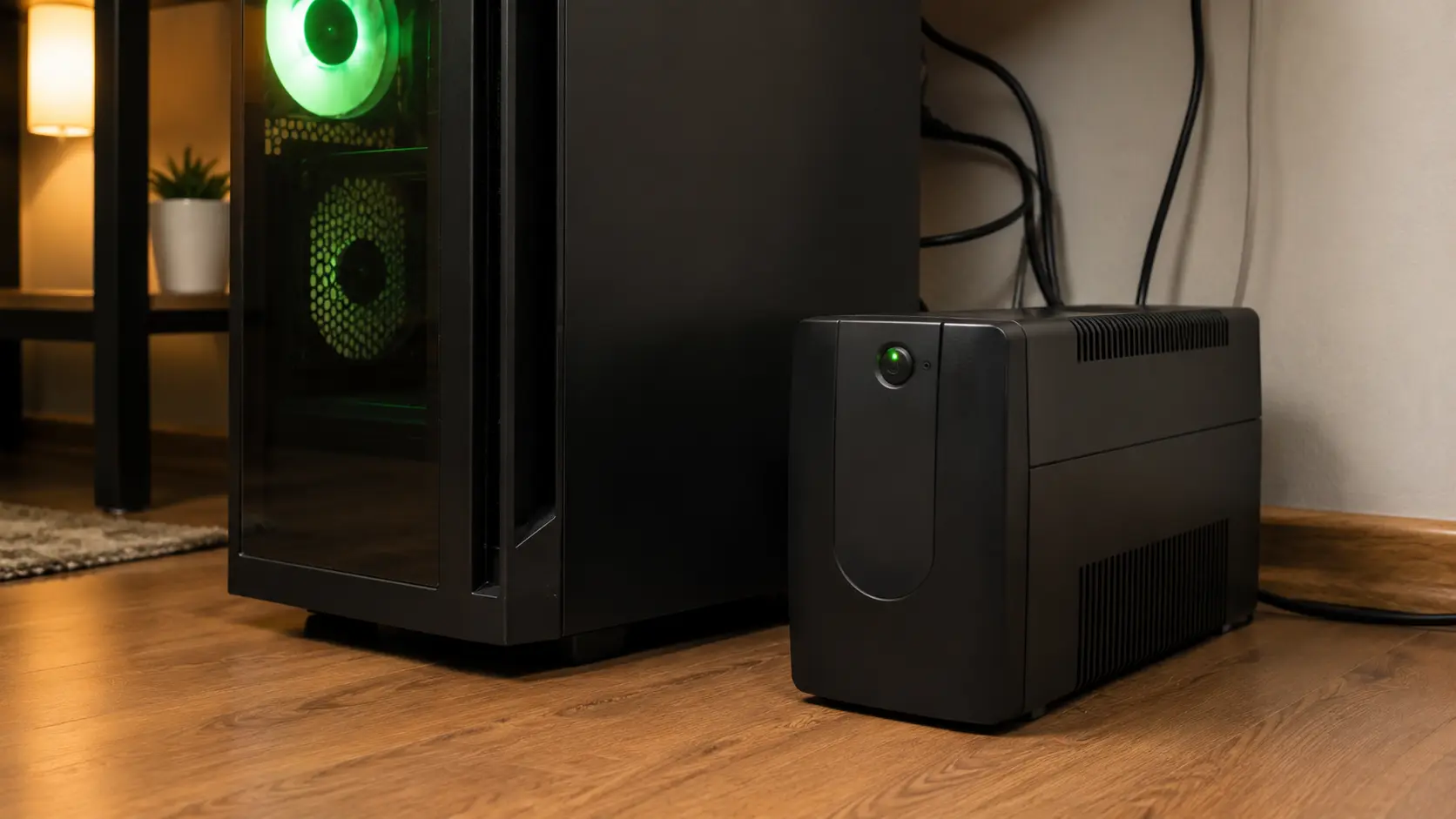
A UPS is an uninterruptible power supply. It is a box with a battery inside. It sits between the wall socket and your PC, and if the mains power cuts out, it keeps your machine running for a few minutes.
That is the whole idea. The question is whether you need one, and the honest answer is that it depends far more on where you live than on what you built.
What a UPS actually protects against
People buy a UPS thinking it protects the hardware. Mostly, it does not. Here is what it really does.
| Problem | Does a UPS help? |
|---|---|
| Power cut while you are working | Yes. This is the main reason to own one. |
| Losing unsaved work | Yes. You get minutes to save and shut down properly. |
| Brownouts — voltage dipping low | Yes, if it has AVR. Explained below. |
| Corrupted drive from a sudden cut | Yes. Sudden power loss during a write is how file systems get damaged. |
| Lightning strike on the line | Partly. A surge protector does this job; many UPS units include one. |
| A failing power supply inside your PC | No. Nothing outside the case can help with that. |
| Overheating | No. |
Who genuinely needs one
Be honest about your own situation. A UPS is worth it if:
- Your power cuts out more than a few times a year. In many places this is normal. If you have had a cut this month, buy one.
- Your lights dim when a big appliance starts. That is a brownout, and repeated brownouts are harder on electronics than a clean cut.
- You work on the machine. Losing an hour of editing to a flicker is a real cost.
- You run anything that must not be interrupted. Long renders, large downloads, or a drive being written to.
You can probably skip it if your supply is stable, you only game casually, and modern games save your progress constantly anyway.
Sizing one correctly — where most people overspend
This is where money gets wasted. People size a UPS against the number on their power supply. That is the wrong number, and it is an expensive mistake.
Remember from our power use guide that a build with an 850W supply might draw 400W while gaming. Size the UPS against what you draw, not what the PSU could deliver.
Watts and VA are not the same thing
UPS units are sold in VA, which stands for volt-amps. Watts are what your PC uses. The two are related but not equal.
The rough rule: VA is about watts divided by 0.6. So a 400W load needs roughly a 670VA unit. Many manufacturers print both numbers, and if they only print VA, use that division to check.
What size for a typical build
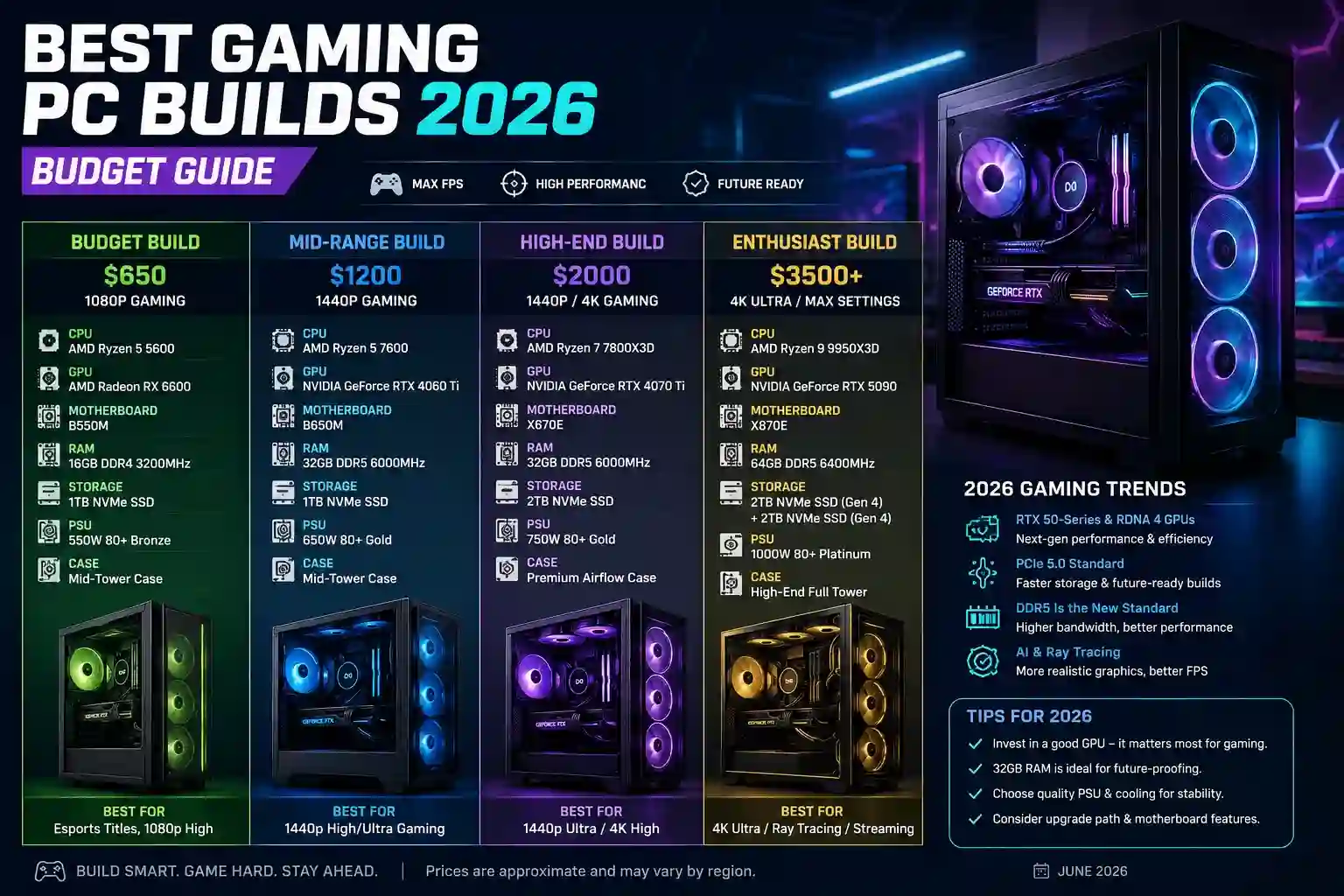
These use the same wattages as our PSU calculator, plus a monitor at about 30W.
| Build | Draw while gaming | Sensible UPS size |
|---|---|---|
| Budget — Ryzen 5 7600 + RTX 5060 | about 320W with a monitor | 600 – 700VA |
| Mid — Ryzen 7 9800X3D + RTX 5070 Ti | about 530W with a monitor | 900 – 1000VA |
| High-end — Ryzen 9 9950X + RTX 5090 | about 855W with a monitor | 1500VA |
Our UPS runtime calculator will work out both the size and how long it will actually last for your own numbers.
How long will it keep the PC on?
Less time than people expect, and that is fine, because it is not meant to let you keep playing.
A 1000VA unit running a 500W load typically gives five to ten minutes. That is enough to save your work, quit properly and shut down. It is not enough to finish a match.
Runtime falls sharply as load rises. The same unit at 250W might last twenty-five minutes; at 800W it might manage two. If you want real runtime, you need a much larger unit, and the price climbs steeply.
The one feature that matters: AVR
AVR stands for automatic voltage regulation. It corrects voltage that is too low or too high without using the battery.
This matters more than runtime in most homes. Small voltage sags happen far more often than full blackouts. Without AVR, a cheap UPS switches to battery every time the voltage dips, wearing the battery out quickly. With AVR, it simply corrects and carries on.
If you buy one thing above the cheapest model, buy AVR.
Line-interactive or standby?
Two types you will see:
- Standby is the cheapest. It waits for the power to fail, then switches to battery. The gap is a few milliseconds. Fine for most PCs.
- Line-interactive includes AVR and switches faster. This is the sensible choice for a desktop, and it is the type most gaming guides mean.
There is a third type, online or double-conversion, which has no switching gap at all. It is for servers. It costs several times more and a gaming PC does not need it.
Mistakes to avoid
- Plugging a laser printer into it. Printers draw huge spikes and will trip the unit. Use the surge-only sockets for those.
- Buying by price alone. The battery is the expensive part. A suspiciously cheap high-VA unit has a small battery.
- Forgetting the monitor. If the screen goes dark you cannot save anything. Put the monitor on the battery side too. That is why the table above includes it.
- Never testing it. Pull the plug once, deliberately, and see what happens. Better to find out now than during a real cut.
- Ignoring the battery age. UPS batteries last three to five years and then hold almost nothing. Most units have a self-test light. Watch it.
Frequently asked questions
Will a UPS damage my PC when it switches over?
No. Modern power supplies handle the few-millisecond gap without noticing. This was a concern with very old hardware and is not one now.
Can I use a UPS with a high-end 1000W build?
Yes, but you need a large unit and the runtime will be short. Check the numbers with the UPS calculator before buying, because the jump from 1000VA to 1500VA is a significant price step.
Is a surge protector enough on its own?
If your only concern is lightning, yes, and it costs a fraction as much. A surge protector does nothing for a power cut. They solve different problems.
How long do the batteries last?
Three to five years in normal conditions, less in a hot room. They are usually replaceable, and a replacement battery costs far less than a new unit.
Does a UPS reduce my electricity bill?
No, it slightly increases it. The unit uses a little power itself to stay charged.
The short version
Buy a UPS if your power is unreliable or you do work you cannot afford to lose. Size it against your real draw, not your PSU rating. Get one with AVR. Put the monitor on it too. Expect five to ten minutes, which is enough to save and shut down properly.
Work out the size you need with the UPS runtime calculator, and check your actual power draw first with the electricity calculator.
Comments
No comments yet. Start the conversation.