
How Much Electricity Does a Gaming PC Use?
A gaming PC is not the power hog people claim, but it is not free either. Here are real monthly figures for three builds, and how to work out your own.

Super Admin
· 6 min read · 107 views
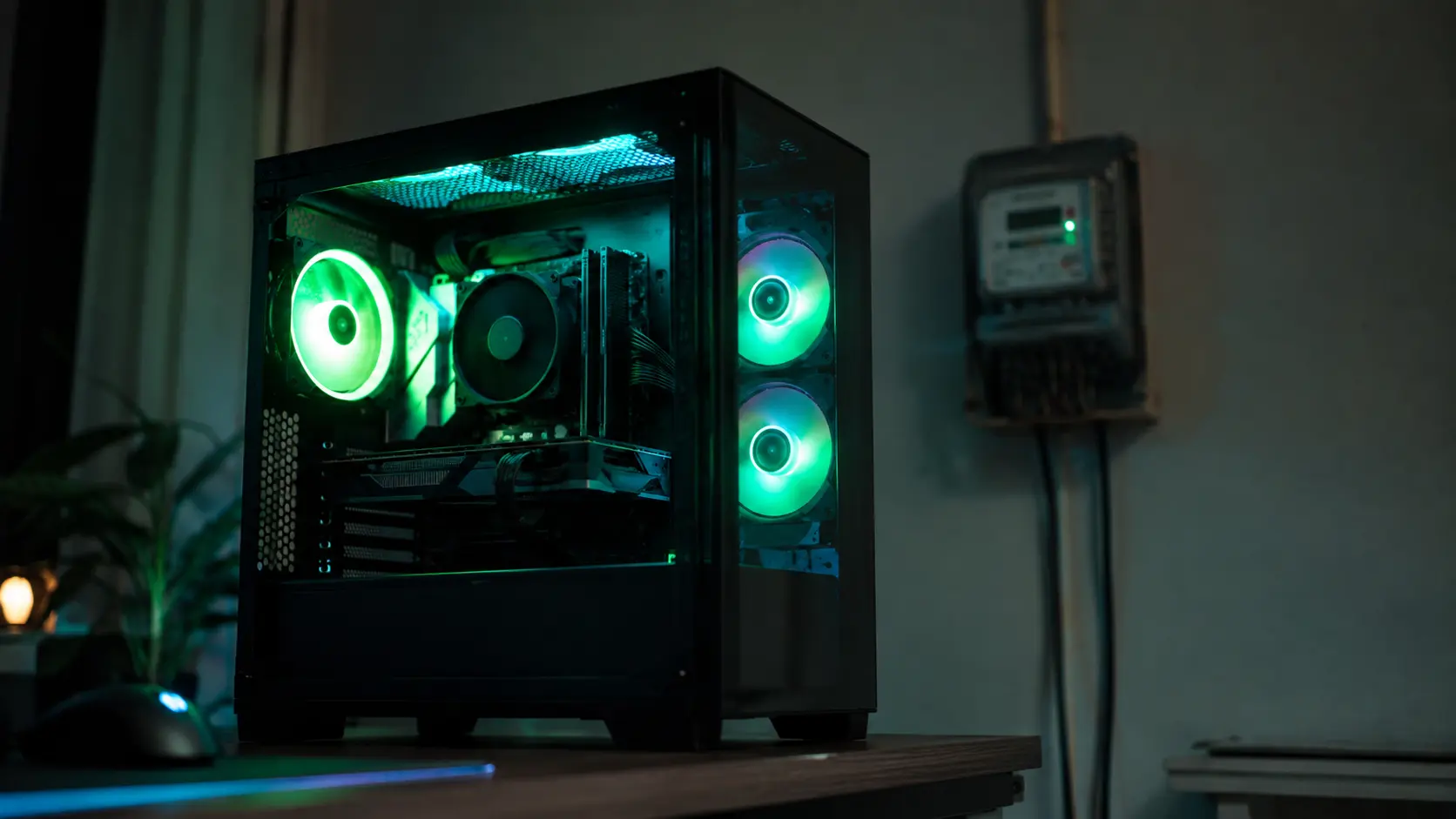
People say gaming PCs are expensive to run. Some say they cost more than a fridge. Others say it is only pennies a day. Both can be right, because the answer depends entirely on which parts are inside and how long the machine is switched on.
This guide gives you real numbers. Not guesses, and not the number printed on the power supply box, which is the most common mistake people make.
The number on your PSU is not your power use
If your power supply says 850W, your PC does not use 850 watts. That figure is the maximum the unit can deliver, not what your machine actually draws.
Think of it like the top speed on a car. A car that can reach 250 km/h does not drive at 250 km/h. It sits at 60 most of the time. Your PSU is the same. A build with an 850W supply might pull 400W while gaming and 65W while you read a web page.
What you actually pay for is watts multiplied by hours. That gives you kilowatt-hours, written kWh, which is the unit on your electricity bill.
Three real builds, measured
Below are three builds using parts from our hardware database. Power draw is the sum of the processor, the graphics card, and about 79W for the motherboard, memory, drive and fans. That is the same method our PSU calculator uses, so the numbers here match the tool.
The usage pattern is 4 hours of gaming and 6 hours of idle time per day. Idle means the PC is on but you are browsing, chatting or watching something.
| Build | Gaming draw | Idle draw | Per month | Per year |
|---|---|---|---|---|
| Budget — Ryzen 5 7600 + RTX 5060 | 289W | 55W | 45 kWh | 542 kWh |
| Mid — Ryzen 7 9800X3D + RTX 5070 Ti | 499W | 65W | 73 kWh | 871 kWh |
| High-end — Ryzen 9 9950X + RTX 5090 | 824W | 85W | 116 kWh | 1,389 kWh |
To turn those into money, multiply by your own rate per kWh. That rate is printed on your electricity bill, and it varies enormously between countries, so any figure we printed here would be wrong for most readers.
Two examples to show the shape of it. At 0.17 per unit, the mid build costs about 12.35 a month. At 8 per unit, the same build costs about 581. Same machine, same hours, wildly different bill — which is why the rate matters more than the parts.
Our electricity cost calculator does this for you. Put in your own wattage, hours and rate.
What actually raises the bill
The graphics card, by a wide margin
Look at the table again. The jump from budget to high-end is roughly 2.5 times the yearly power. Most of that is the graphics card. An RTX 5060 draws 145W. An RTX 5090 draws 575W. That is four times as much, from one component.
The processor matters far less than people expect. Going from a 65W chip to a 170W chip adds about a fifth of what the graphics card adds.
Hours, not watts
This is the part most guides skip. A high-end PC used two hours a day costs less to run than a budget PC used eight hours a day. Time on is the multiplier.
Cutting the mid build from 4 hours of gaming to 2 drops it from 73 kWh a month to 38 — a 47% saving from one change, with no hardware bought.
Idle time adds up quietly
65W does not sound like much. But if the PC sits idle 6 hours a day, that is 12 kWh a month doing nothing in particular. Over a year it is close to a sixth of the whole bill.
Sleep mode drops a desktop to a few watts. If you leave your machine on overnight out of habit, that is the easiest saving available to you.
How your PC compares to other appliances
Context helps. Here is roughly where a gaming PC sits.
| Appliance | Rough yearly use |
|---|---|
| LED TV, 4 hours a day | 150 kWh |
| Budget gaming PC, 4h gaming + 6h idle | 542 kWh |
| Fridge-freezer, running constantly | 350 – 600 kWh |
| Mid-range gaming PC, 4h gaming + 6h idle | 871 kWh |
| High-end gaming PC, 4h gaming + 6h idle | 1,389 kWh |
| Electric water heater, family of four | 2,500 – 4,000 kWh |
A mid-range gaming PC used heavily lands in the same territory as a fridge. A high-end one used heavily is more. Neither is close to heating water or heating a room.
Five ways to cut the cost
- Cap your frame rate. If your monitor is 144Hz, there is no benefit to rendering 300 frames a second. Capping frames cuts graphics card load immediately, and it also lowers noise and heat. This is the single best change.
- Use sleep, not idle. Set the PC to sleep after 20 minutes. You lose nothing and save the idle draw.
- Turn on the efficiency setting in your GPU driver. Both NVIDIA and AMD have a power-limit slider. Dropping to 80% typically costs a few percent of performance and saves far more than that in power.
- Buy an efficient power supply. An 80 PLUS Gold unit wastes less as heat than a Bronze one. The difference is small per hour but real over years. Check yours with the PSU compatibility checker.
- Do not oversize the PSU. Power supplies are least efficient when barely loaded. A 1200W unit running a 300W build wastes more than a 550W unit would.
Measure yours properly
Everything above is calculated from component ratings. Calculations assume every part is working hard at once, which almost never happens. Your real draw is usually lower.
The only way to know for certain is to measure. A plug-in energy monitor costs very little, sits between the wall and your PC, and shows live watts. Game for an hour and read the number. That figure, put into the electricity calculator, gives you an answer that is true for your machine rather than an average one.
Frequently asked questions
Does leaving my PC on overnight cost much?
At 65W idle, eight hours a night is about 16 kWh a month. Whether that matters depends on your rate, but sleep mode removes almost all of it for no inconvenience.
Do RGB lights use much power?
No. Case lighting and RGB fans together typically draw under 10W. It is not where your bill comes from.
Is a gaming laptop cheaper to run?
Yes, usually by a lot. Laptop parts are built to a tighter power budget. A gaming laptop often draws 100 to 200W under load where an equivalent desktop draws 400 or more. You pay for that in performance and in upgrade options.
Does undervolting really help?
It can. Undervolting means running a chip at lower voltage than the default. Done carefully it can cut 10 to 20% of graphics card power for little or no performance loss. Done carelessly it causes crashes, so change one step at a time and test.
Should I turn the PC off at the wall?
A modern PC draws roughly 1W when shut down but still plugged in. Over a year that is under 10 kWh. It is not worth the wear on the switch unless you are away for weeks.
The short version
A gaming PC uses somewhere between 500 and 1,400 kWh a year for most people. The graphics card decides most of it, and your hours decide the rest. Capping your frame rate and using sleep mode are free, take two minutes, and together cut a meaningful share of the total.
Work out your own figure with the electricity cost calculator, and if you are still choosing parts, the PSU calculator will tell you the wattage before you buy.


Comments
No comments yet. Start the conversation.