
Can My PC Run VR? Requirements Checked
VR is far less forgiving than flat gaming, because dropped frames make people feel ill. Here is what each headset actually needs.

Super Admin
· 5 min read · 13 views
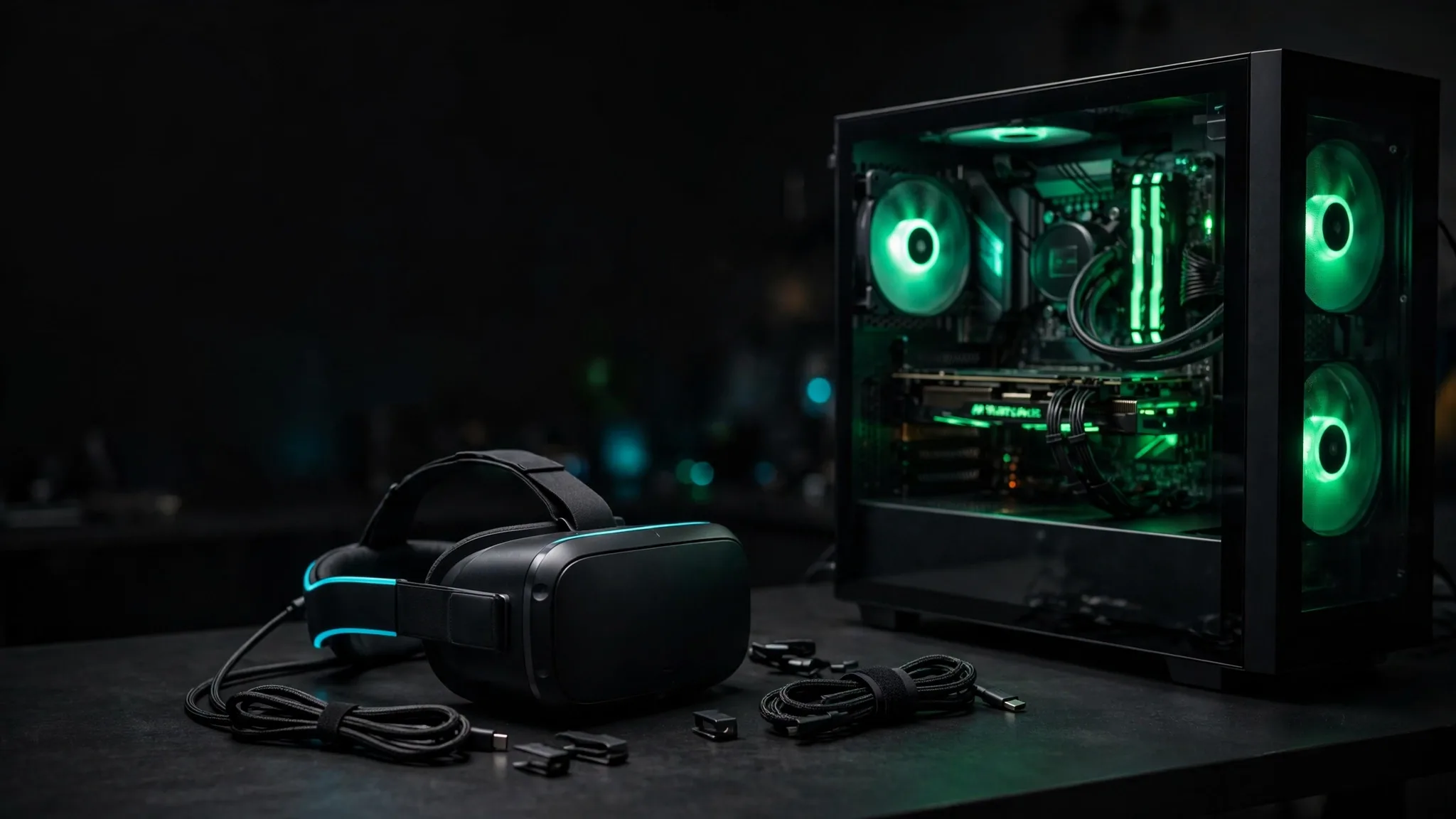
VR asks considerably more of a PC than a normal game does, and it punishes you differently when it does not get it. A flat game that dips to 45 fps is annoying. A VR game that dips to 45 fps can make you feel genuinely unwell.
This guide covers what each headset needs, why the bar is higher than it looks, and how to tell whether your machine clears it.
Why VR is harder than flat gaming
Three things stack up:
- You render the scene twice, once per eye, from slightly different positions.
- The resolution is high. A Quest 3 is 2064×2208 per eye — more total pixels than a 4K monitor.
- The frame rate floor is hard. 90 Hz is the usual minimum, and unlike flat gaming you cannot simply accept less. Missing frames is what causes discomfort.
Put together: roughly twice the work, at above-4K pixel counts, with no option to drop to 40 fps and carry on.
What each headset needs
These are the thresholds our VR ready checker uses, with the cheapest current card that clears each one.
| Headset | Per-eye resolution | Refresh | Minimum GPU | Comfortable GPU |
|---|---|---|---|---|
| Meta Quest 3 (standalone) | 2064×2208 | 90 Hz | No PC needed | — |
| Meta Quest 3 (PC VR / Link) | 2064×2208 | 90 Hz | RTX 3060 class | RTX 4070 class |
| Oculus Rift S / HTC Vive | 1280×1440 | 80 Hz | RTX 3050 class | RX 6700 XT class |
| Valve Index (144 Hz) | 1440×1600 | 144 Hz | RTX 3070 class | RTX 4070 Ti SUPER class |
"Minimum" means it runs. "Comfortable" means it holds the target frame rate without you managing settings constantly. In VR the gap between those two matters more than it does on a monitor.
The parts that are easy to get wrong
Memory
16 GB is the working minimum for PC VR. 8 GB will technically launch things, but VR titles are memory-hungry and stutter from swapping is exactly the kind of hitch that causes discomfort. If you are unsure what your board supports, the RAM compatibility checker will tell you.
The processor
VR is more CPU-sensitive than flat gaming, because tracking and prediction have to run every frame on a fixed deadline. A strong graphics card behind a weak processor produces exactly the frame pacing problems VR cannot tolerate. Worth checking with the bottleneck calculator before buying a headset — and our bottleneck guide explains what the result means.
Ports, not just performance
This catches people out more than raw speed does. A wired headset needs a specific video output, and adapters are unreliable for VR. Check what your card physically has before ordering.
Wireless needs upload headroom
Quest 3 over Air Link or Virtual Desktop streams a compressed video feed across your network. It wants a 5 GHz or 6 GHz connection and a router that is not already saturated. Our bandwidth calculator helps you work out whether your network has the room.
If you are short of the mark
Some things genuinely help:
- Lower the render resolution in your VR runtime. It is the single biggest lever, and a modest reduction is far less noticeable in VR than the equivalent would be on a monitor.
- Turn off motion smoothing and re-test. It hides dropped frames rather than fixing them, and it can mask how far off you actually are.
- Close background applications. Browsers with many tabs are the usual culprit, and VR has no spare headroom to absorb them.
- Check thermals. A card that throttles mid-session produces the stutter pattern VR is least tolerant of. The case airflow calculator is worth a look if your machine runs hot.
Power draw is higher than you expect
Running at 90 Hz with both eyes rendering keeps the graphics card near its ceiling for the whole session, unlike a flat game where load varies. If your power supply was sized with little margin, VR is the workload most likely to expose it. Worth a check with the PSU calculator and our guide to how many watts your PC needs. Our guide to what a gaming PC costs to run covers the running cost side.
Finding out what you actually have
If you are not sure of your parts, press Windows and R, type dxdiag, and press Enter. The Display tab names your graphics card; the System tab gives the processor and memory. That is enough to put into the VR ready checker.
Task Manager also works: the Performance tab lists GPU, CPU and memory without needing a command.
What "VR Ready" stickers actually mean
The VR Ready badge dates from around 2016 and was calibrated against headsets of that era — roughly the original Rift and Vive. A machine carrying that sticker may be well short of what a Quest 3 at 90 Hz wants.
Treat it as historical. Compare against the specific headset you plan to buy instead.
Laptops
Laptops can run VR, with two caveats worth knowing before you commit.
First, mobile graphics chips share a name with their desktop counterparts but not their performance. A laptop card typically sits well below the desktop card of the same number, and the gap varies by how much power the laptop's design allows it to draw.
Second, the video output is often wired to the integrated graphics rather than the discrete card, which can prevent a headset working at all. Some laptops offer a BIOS setting to change this; many do not. Worth checking before buying a headset for a laptop.
Our guide to whether a laptop can run VR goes through each check.
If VR makes you feel unwell
Performance is one cause of discomfort and worth ruling out first, but it is not the only one:
- Set the interpupillary distance correctly. Most headsets have a physical slider. Wrong IPD causes eye strain and headaches quickly.
- Use teleport movement to begin with. Smooth artificial locomotion is the most common trigger, and tolerance genuinely builds with exposure.
- Start with short sessions. Twenty minutes at a time for the first week does more than any setting.
- Check your frame rate before blaming yourself. Sustained dropped frames make almost everyone feel ill eventually.
Our guide to reducing VR motion sickness covers the settings and habits in more detail.
The bottom line
For PC VR in 2026, an RTX 3060-class card with a modern processor and 16 GB of memory is a realistic floor for Quest 3 over Link. An RTX 4070-class card removes most of the compromises. A Valve Index at 144 Hz is a meaningfully bigger ask than either.
Put your actual parts into the VR ready checker to see where you land, headset by headset.
Comments
No comments yet. Start the conversation.